
Event Layout Software: The Visual Guide You've Been Searching For
Planning an event, whether it's a wedding, corporate conference, or a simple birthday party, can be incredibly stressful. Juggling vendors, guest lists, and budgets is enough to make anyone's head spin. But what if I told you there's a secret weapon that can significantly reduce your stress and ensure your event runs smoothly? That secret is event layout software. This powerful tool allows you to visualize your event space, plan seating arrangements, and optimize traffic flow, all before a single table is set. Let’s dive into how event layout software can be a game-changer for your next event.
Key Takeaways
- Event layout software helps you visualize and optimize your event space.
- Using floor plan tools can significantly reduce planning stress and ensure a smooth event.
- Features like drag-and-drop functionality and pre-designed templates simplify the layout process.
Why Use Event Layout Software?
Why should you bother with event layout software? Because it can save you time, money, and a whole lot of headaches. Imagine trying to coordinate a wedding reception without a clear plan of where tables, the dance floor, and the buffet should go. Chaos, right? With the right software, you can eliminate the guesswork and create a detailed, visually appealing plan that everyone can follow. This ensures that your vendors, staff, and guests are all on the same page, leading to a more organized and enjoyable event.
Think of it this way: event layout software is like having a virtual blueprint for your event. You can experiment with different setups, adjust seating arrangements, and see how everything fits together before committing to a specific design. This allows you to identify potential problems early on and make adjustments before they become costly mistakes. Plus, it's a fantastic way to communicate your vision to your venue and vendors.
Key Features to Look For in Event Layout Software
Not all event layout software is created equal. To get the most out of this tool, you need to look for specific features that will simplify your planning process. Here are some of the most important features to consider:
- Drag-and-Drop Functionality: This is a must-have. Drag-and-drop functionality allows you to easily add and move elements within your floor plan, making it simple to experiment with different layouts.
- Object Libraries: Look for software that offers a wide range of pre-designed objects, such as tables, chairs, stages, and bars. This will save you time and effort in creating your layout.
- 3D Visualization: Being able to view your layout in 3D can give you a better sense of how the space will look and feel. This can be particularly helpful for visualizing lighting and decor.
- Collaboration Tools: If you're working with a team, make sure the software allows for collaboration. This will enable multiple people to work on the layout simultaneously and share feedback.
- Reporting and Analysis: Some software offers reporting and analysis features that can help you optimize your layout for maximum capacity and efficiency.
Consider EventFloorPlanner.com. Our free, easy-to-use tool offers drag-and-drop functionality and requires no signup, making it accessible for anyone to quickly start planning their event layout.
How to Create an Event Layout: A Step-by-Step Guide
Ready to create your own event layout? Here’s a step-by-step guide to get you started:
Before You Start
- Gather your venue's floor plan or measurements.
- Determine your total guest count.
- List all the elements you need to include (tables, chairs, stage, etc.).
Choose Your Software
Select an event layout software that meets your needs and budget. There are many options available, from free online tools to more advanced paid software. EventFloorPlanner.com is a great starting point for its ease of use and free access.
Upload or Create Your Floor Plan
Import your venue's floor plan into the software. If you don't have a digital floor plan, you can create one using the software's drawing tools. Be sure to accurately represent the dimensions of the space.
Add Essential Elements
Start adding the essential elements to your layout, such as tables, chairs, stages, dance floors, and bars. Use the drag-and-drop functionality to position these elements in the desired locations.
Consider Traffic Flow
Think about how guests will move through the space. Ensure there are clear pathways and that tables are not too close together. Consider the placement of food and beverage stations to minimize congestion.
Refine and Adjust
Once you have a basic layout, take some time to refine and adjust it. Experiment with different seating arrangements, and make sure there is enough space for guests to move around comfortably.
Share and Collaborate
Share your layout with your team, venue, and vendors for feedback. Make any necessary adjustments based on their input.
Optimizing Your Event Layout for Maximum Impact
Creating an event layout is one thing, but optimizing it for maximum impact is another. Here are some tips to help you create a layout that will impress your guests and ensure a successful event:
- Prioritize Guest Comfort: Make sure there is enough space for guests to move around comfortably. Avoid overcrowding tables, and provide ample seating options.
- Consider Sightlines: Ensure that guests have clear sightlines to the stage, dance floor, or any other focal points. Avoid placing tall objects that could obstruct views.
- Optimize Traffic Flow: Design your layout to facilitate smooth traffic flow. Place food and beverage stations in strategic locations to minimize congestion.
- Create Ambiance: Use lighting, decor, and furniture to create the desired ambiance. Consider the overall theme of your event and choose elements that complement it.
- Accessibility: Ensure that your layout is accessible to all guests, including those with disabilities. Provide ramps, wide pathways, and accessible restrooms.
Event Layout Tips for Different Event Types
The best event layout depends heavily on the type of event you're planning. Here's how to tailor your approach for different occasions:
Weddings
For weddings, focus on creating a romantic and intimate atmosphere. Consider the placement of the ceremony area, reception tables, dance floor, and bar. Ensure there is enough space for guests to mingle and celebrate.
Corporate Events
For corporate events, prioritize functionality and professionalism. Consider the placement of the stage, presentation screens, and seating arrangements. Ensure there are clear sightlines and that the space is conducive to networking and collaboration.
Parties
For parties, focus on creating a fun and energetic atmosphere. Consider the placement of the dance floor, bar, and food stations. Ensure there is enough space for guests to move around and socialize.
Examples of Effective Event Layouts
Sometimes, seeing is believing. Here are a few examples of effective event layouts that you can use as inspiration for your own events:
Example 1: Wedding Reception
This layout features round tables arranged around a central dance floor. The head table is positioned at the front of the room, with clear sightlines to the stage. The bar and buffet are located along the sides of the room to minimize congestion.
Example 2: Corporate Conference
This layout features rows of chairs facing a stage and presentation screen. A networking area is located at the back of the room, with tables and chairs for guests to mingle and collaborate. Food and beverage stations are strategically placed to minimize disruption during presentations.
Example 3: Birthday Party
This layout features a dance floor in the center of the room, surrounded by tables and chairs. A DJ booth is located at one end of the room, with a bar and food stations along the sides. The layout is designed to encourage dancing and socializing.
Common Event Layout Mistakes to Avoid
Even with the best event layout software, it's easy to make mistakes. Here are some common errors to avoid:
- Overcrowding: Don't try to cram too many people into a small space. This will make guests feel uncomfortable and can create safety hazards.
- Poor Traffic Flow: Ensure that guests can move easily through the space without bumping into tables or other obstacles.
- Obstructed Views: Make sure that guests have clear sightlines to the stage, dance floor, or any other focal points.
- Inadequate Seating: Provide enough seating for all guests, especially those who may have difficulty standing for long periods of time.
- Ignoring Accessibility: Ensure that your layout is accessible to all guests, including those with disabilities.
Expert Tips for Using Event Layout Software
Want to take your event layout skills to the next level? Here are some expert tips to help you get the most out of your software:
- Use Templates: Start with a pre-designed template and customize it to fit your specific needs. This can save you a lot of time and effort. Luckily, EventFloorPlanner.com offers a variety of free templates to get you started.
- Experiment with Different Layouts: Don't be afraid to try out different layouts until you find one that works best for your event.
- Take Advantage of 3D Visualization: Use the 3D visualization feature to get a better sense of how the space will look and feel.
- Get Feedback: Share your layout with your team, venue, and vendors for feedback. They may have valuable insights that you haven't considered.
- Plan for Unexpected Issues: Always have a backup plan in case of unexpected issues, such as bad weather or a last-minute change in guest count.
Frequently Asked Questions
Written by
Event Floor Planner Team
Helping event planners create stunning floor plans and seating charts for weddings, corporate events, and special celebrations.
Stay in the Loop
Get expert event planning tips, layout ideas, and exclusive guides delivered weekly.
No spam. Unsubscribe anytime.
Related Articles
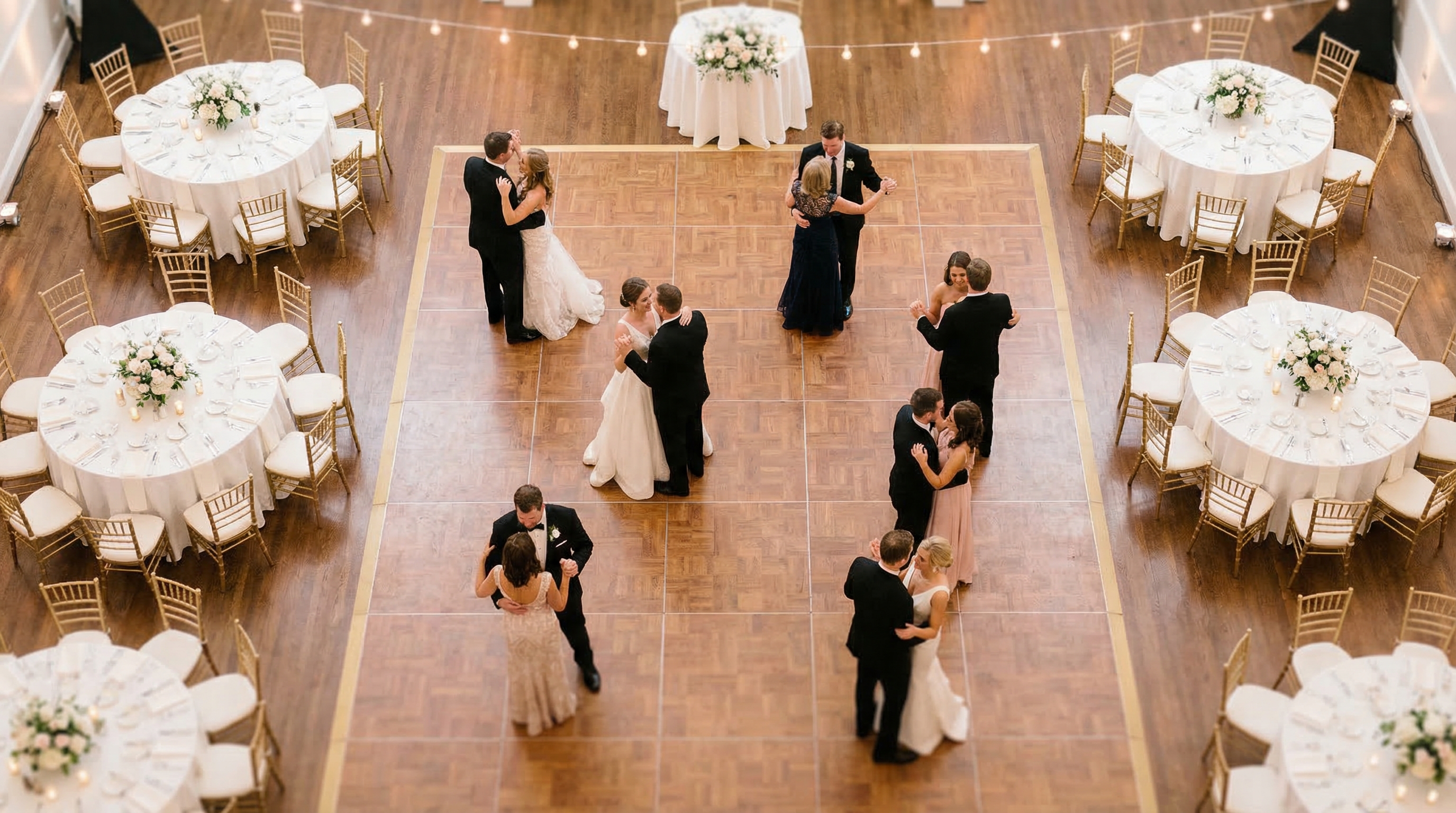
Finally — a Dance Floor Dimensions Guide That Makes Sense
Finally — a Dance Floor Dimensions Guide That Makes Sense Planning an event? You're probably thinking about the music, the food, and the overall vibe. But have you considered the dance floor? The...
Finally — a Emergency Exit Planning Guide That Makes Sense
Finally — An Emergency Exit Planning Guide That Makes Sense Planning an event is more than just picking out decorations and choosing a menu. You've got to think about safety, too. A key part of a...

The Math Behind Perfect Chair Spacing Requirements (Simplified)
Unlock the Secret to Perfectly Spaced Seating: A Simple Guide to Chair Spacing Requirements Have you ever attended an event where you felt cramped and uncomfortable? Or perhaps you've organized an...