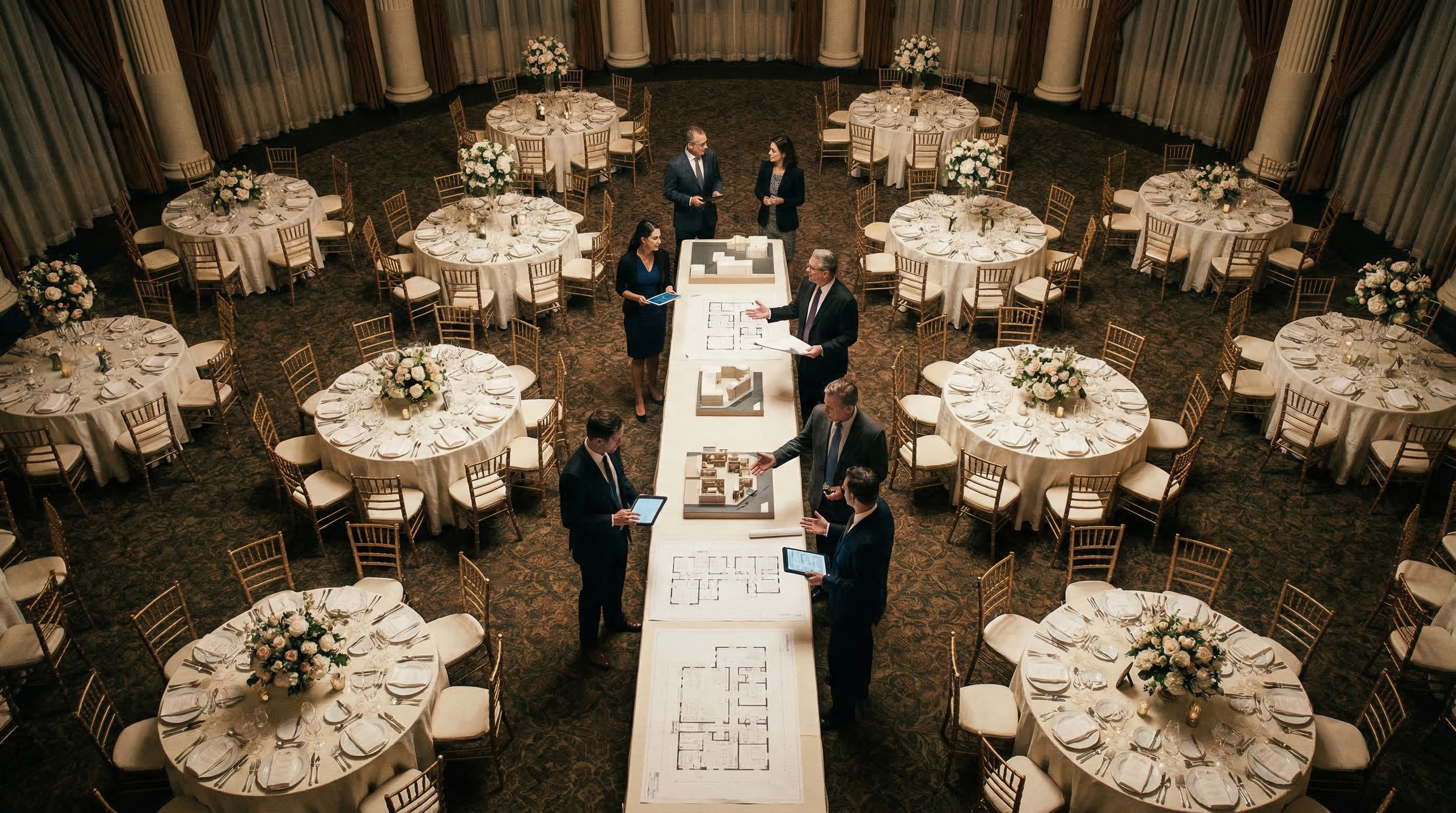
Planning an event can feel like herding cats, especially when you're dealing with venue layouts, seating arrangements, and guest flow. But what if you could transform this chaotic process into a smooth, collaborative experience? That's where collaborative floor planning comes in. It's not just about drawing a layout; it's about bringing everyone – from the event planner to the caterer to the venue manager – onto the same page, literally. In this guide, we'll explore how collaborative floor planning can revolutionize your event organization, offering practical tips, layout examples, and tools to make your next event a resounding success. Let's dive in and discover how to create event spaces that truly shine!
Key Takeaways
- Collaborative floor planning streamlines event organization by involving all stakeholders.
- Using online tools like EventFloorPlanner.com simplifies the layout creation and sharing process.
- Understanding different layout types is crucial for optimizing space and guest experience.
What is Collaborative Floor Planning?
Collaborative floor planning is more than just sketching out a room layout. It's a dynamic process where multiple individuals contribute to designing the event space. Think of it as a digital brainstorming session focused on the physical environment. Instead of relying on static diagrams or confusing email chains, everyone involved can view, edit, and comment on a shared floor plan in real-time.
This approach fosters better communication, reduces the risk of misinterpretations, and ultimately leads to a more functional and aesthetically pleasing event space. It ensures that everyone understands the plan and can provide valuable input based on their specific area of expertise. From the placement of the dance floor to the accessibility of restrooms, everything is considered collectively.
Why is Collaboration Key to Event Success?
Events are complex undertakings with many moving parts. Each stakeholder – the event planner, the venue staff, the caterer, the AV team, even the client – has unique needs and perspectives. When these perspectives aren’t aligned, you risk logistical nightmares, unhappy guests, and a less-than-stellar event. Collaboration ensures everyone’s voice is heard and that the floor plan addresses all critical requirements.
Imagine the caterer needs easy access to the kitchen, the AV team requires specific power outlets, and the client wants clear sightlines to the stage. Without a collaborative approach, these needs might be overlooked, leading to last-minute scrambles and potential compromises. By involving all stakeholders in the floor planning process, you can proactively identify and resolve potential issues, creating a smooth and successful event.
Tools for Effective Collaborative Floor Planning
Forget clunky software and complicated installations! Modern collaborative floor planning relies on user-friendly online tools. These platforms allow you to create, share, and edit floor plans from anywhere, at any time. EventFloorPlanner.com is a perfect example: it's free, easy to use, and requires no signup. Its drag-and-drop interface makes creating layouts a breeze.
Key features to look for in a collaborative floor planning tool include:
- Real-time collaboration: Multiple users can view and edit the floor plan simultaneously.
- Drag-and-drop interface: Simplifies the process of adding and arranging furniture, fixtures, and other elements.
- Sharing and commenting: Allows stakeholders to provide feedback and suggestions directly on the floor plan.
- Scalability: Handles layouts of various sizes and complexities.
- Template options: Provides pre-designed templates for different event types, such as weddings, conferences, and parties (like the ones you can find on our free templates page).
By leveraging these tools, you can transform the floor planning process from a headache into a seamless and enjoyable experience.
Step-by-Step Guide to Collaborative Floor Planning
Ready to put collaborative floor planning into action? Follow these steps:
Gather Your Team
Identify all key stakeholders who need to be involved in the floor planning process. This might include the event planner, venue manager, caterer, AV technician, and client. Schedule an initial meeting to discuss the event's goals, requirements, and constraints.
Choose Your Tool
Select a collaborative floor planning tool that meets your needs. EventFloorPlanner.com is a great option due to its ease of use and free access. Consider features like real-time collaboration, drag-and-drop interface, and sharing capabilities.
Create the Base Layout
Start by creating a basic outline of the venue's floor plan. Input the dimensions of the room, including walls, doors, and windows. Most floor planning tools allow you to import existing floor plans or create one from scratch.
Add Key Elements
Begin adding essential elements to the floor plan, such as tables, chairs, stages, dance floors, bars, and food stations. Consider the placement of these elements in relation to each other and the overall flow of the event. Think about things like accessibility and sightlines.
Share and Collaborate
Share the floor plan with your team and invite them to provide feedback. Encourage them to add comments, make suggestions, and propose alternative arrangements. Use the tool's collaboration features to facilitate real-time discussions and revisions.
Iterate and Refine
Based on the feedback received, iterate on the floor plan and refine the layout. Make sure to address all concerns and ensure that everyone is on board with the final design. Repeat the sharing and collaboration process as needed until you have a floor plan that meets everyone's needs.
Finalize and Distribute
Once the floor plan is finalized, distribute it to all relevant stakeholders. This will ensure that everyone has a clear understanding of the event layout and can prepare accordingly. Consider printing copies for on-site reference or sharing the digital version via email or a shared drive.
Optimizing Layouts for Different Event Types
The ideal floor plan depends heavily on the type of event you're hosting. A wedding reception requires a different layout than a corporate conference or a live music concert. Understanding the specific needs of each event type is crucial for creating a functional and engaging space.
Here are some layout considerations for different event types:
- Weddings: Focus on creating a romantic and intimate atmosphere. Consider the placement of the head table, dance floor, and guest seating. Ensure easy access to the bar and restrooms.
- Corporate Conferences: Prioritize functionality and professionalism. Choose a layout that facilitates presentations, networking, and breakout sessions. Ensure adequate space for registration, exhibits, and catering.
- Parties: Create a lively and social atmosphere. Consider the placement of the DJ or band, dance floor, and bar. Ensure ample seating and mingling space.
- Live Music Concerts: Optimize the layout for sound quality and visibility. Consider the placement of the stage, speakers, and audience seating. Ensure adequate space for sound engineers, lighting technicians, and security personnel.
By tailoring your floor plan to the specific needs of the event, you can enhance the guest experience and create a more memorable occasion.
9 Proven Layouts for Any Event
Here are nine popular event layouts you can adapt for your specific needs:
- 1Theater Style: Rows of chairs facing a stage, ideal for presentations and lectures.
- 2Classroom Style: Tables and chairs arranged in rows, suitable for workshops and training sessions.
- 3Banquet Style: Round tables with chairs, perfect for formal dinners and receptions.
- 4U-Shape Style: Tables arranged in a U-shape, fostering discussion and interaction.
- 5Herringbone Style: Tables angled towards a central point, suitable for presentations and conferences.
- 6Hollow Square Style: Tables arranged in a square with an open center, promoting collaboration.
- 7Reception Style: A mix of high-top tables and lounge seating, ideal for cocktail parties and networking events.
- 8Cabaret Style: Round tables with chairs facing a stage, suitable for performances and entertainment.
- 9Boardroom Style: A large table with chairs around it, perfect for meetings and discussions.
Examples of Successful Collaborative Floor Plans
Let's look at some real-world examples of how collaborative floor planning can lead to event success:
These examples demonstrate the power of collaborative floor planning in creating successful and stress-free events.
Common Mistakes to Avoid in Collaborative Floor Planning
While collaborative floor planning can be incredibly effective, it's important to avoid common pitfalls:
- Lack of communication: Failing to clearly communicate the event's goals, requirements, and constraints to all stakeholders.
- Ignoring feedback: Dismissing valuable feedback from team members or stakeholders.
- Overcomplicating the layout: Creating a floor plan that is too complex or confusing.
- Not considering the venue's limitations: Failing to account for the venue's physical limitations, such as size, shape, and electrical outlets.
- Forgetting about safety: Overlooking safety considerations, such as fire exits, emergency lighting, and crowd control.
By avoiding these mistakes, you can ensure that your collaborative floor planning process is smooth and successful.
Expert Tips for Maximizing Collaboration
Want to take your collaborative floor planning to the next level? Here are some expert tips:
- Set clear expectations: Define the roles and responsibilities of each stakeholder.
- Establish a timeline: Create a realistic timeline for the floor planning process.
- Use visual aids: Share photos, videos, and 3D renderings of the venue to provide a clearer understanding of the space.
- Encourage open communication: Create a safe and supportive environment where everyone feels comfortable sharing their ideas and concerns.
- Be flexible and adaptable: Be willing to adjust the floor plan based on feedback and changing circumstances.
Using the Venue Capacity Calculator
Before you even begin designing your floor plan, it's vital to know the venue's capacity. Overcrowding not only makes guests uncomfortable but can also pose serious safety risks. Our Venue Capacity Calculator is a free tool designed to help you determine the maximum number of people your venue can safely accommodate.
Simply input the venue's dimensions and the type of event you're planning, and the calculator will provide an estimated capacity based on industry standards. This information will guide your floor planning decisions, ensuring that you create a layout that is both functional and safe.
Frequently Asked Questions
Written by
Event Floor Planner Team
Helping event planners create stunning floor plans and seating charts for weddings, corporate events, and special celebrations.
Stay in the Loop
Get expert event planning tips, layout ideas, and exclusive guides delivered weekly.
No spam. Unsubscribe anytime.
Related Articles
Real Yacht Event Setup Layouts From Real Events
Dreaming of a Yacht Event Setup? Let's Make Waves! Planning an event on a yacht? Picture this: gentle waves, stunning views, and a perfectly designed space for your guests to mingle and celebrate....
Scale Drawing Events Explained: 27 Layouts for Every Situation
Scale Drawing Events Explained: 27 Layouts for Every Situation Planning an event can feel overwhelming. From guest lists to catering, the details quickly add up. But one crucial element often over...

Finally — a Traffic Pattern Event Guide That Makes Sense
Finally — a Traffic Pattern Event Guide That Makes Sense Ever been to an event where you felt like you were stuck in a human maze? Tables too close together, a buffet line bottleneck, and no clear...