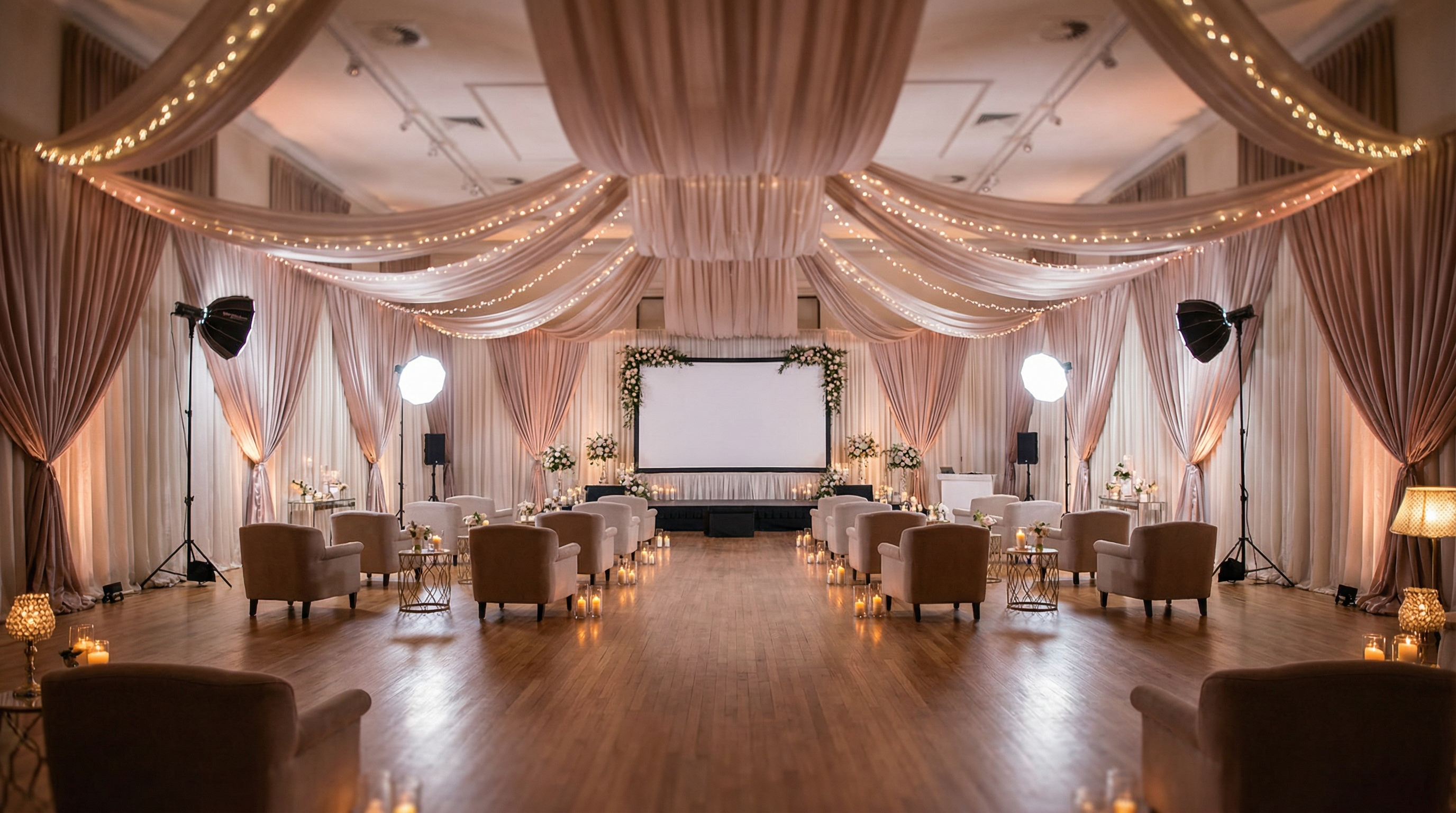
Introduction: Crafting the Perfect Virtual Stage
In 2026, webinars are more than just online presentations; they're virtual events. And like any event, a successful webinar hinges on a well-thought-out setup. It's not just about having a camera and microphone. Webinar room setup involves strategically optimizing your physical space to enhance your virtual presence. Think of it as building a virtual stage where you can captivate your audience and deliver your message effectively. Are you ready to transform your space into a webinar powerhouse? Let's dive in!
From lighting and sound to background and ergonomics, every detail contributes to the overall viewing experience. Neglecting these elements can lead to distractions, disengagement, and ultimately, a less impactful presentation. This guide will walk you through the science and art of creating an effective webinar room, ensuring your audience stays focused and connected.
Key Takeaways
- A well-planned webinar room enhances audience engagement and presenter credibility.
- Optimizing lighting, sound, and background are crucial for a professional presentation.
- Ergonomics play a vital role in presenter comfort and performance.
The Psychology of a Good Webinar Room
Ever wondered why some webinars are captivating while others fall flat? A big part of it lies in the psychology of presentation. A well-designed webinar room setup taps into subconscious cues that influence how your audience perceives you and your message. Consider the emotional impact of color, the perception of professionalism conveyed by a clean background, and the sense of trust instilled by clear audio. These seemingly small details can significantly impact your audience's engagement. Are you projecting the right image?
For example, a cluttered background can create a sense of disorganization and distract viewers, while a carefully curated backdrop reinforces your brand and expertise. Similarly, poor lighting can make you appear unprofessional or even untrustworthy. By understanding these psychological triggers, you can create a webinar room that not only looks good but also enhances your credibility and connection with your audience.
Lighting: Illuminating Your Virtual Presence
Want to instantly elevate your webinar game? Master the art of lighting! Good lighting is paramount for a professional appearance. It ensures your audience can see you clearly and without distractions. Poor lighting can cast unflattering shadows, make you look tired, or even distort your facial features. Aim for soft, even lighting that illuminates your face without creating harsh shadows. Are you shining in the best light?
Natural light is often the best option, but it's not always reliable. Invest in a good quality ring light or softbox to provide consistent and flattering illumination. Position the light source in front of you and slightly above eye level to eliminate shadows under your eyes. Experiment with different light intensities and angles to find what works best for your skin tone and facial features. Remember, the goal is to look natural and approachable.
Sound: Ensuring Crystal-Clear Communication
Imagine giving an amazing presentation, but your audience can't hear you properly. Frustrating, right? Audio quality is just as important, if not more so, than video quality. No one wants to strain to hear you or deal with distracting background noise. Invest in a good quality microphone, preferably a USB microphone or a headset with a built-in microphone. Is your message coming through loud and clear?
Minimize background noise by choosing a quiet room and closing windows and doors. Use acoustic panels or blankets to dampen sound reflections. Test your audio setup before each webinar to ensure everything is working correctly. Encourage attendees to mute themselves when they're not speaking to prevent unwanted noise from disrupting the presentation. Clear audio shows you respect your audience's time and attention.
Step-by-Step Guide to Setting Up Your Webinar Room
Ready to transform your space? Follow these steps to create an effective webinar room that will impress your audience.
Choose Your Location
Select a quiet room with minimal distractions. Consider the background – a blank wall or a bookshelf can work well. Avoid cluttered or busy backgrounds.
Optimize Lighting
Position a light source in front of you and slightly above eye level. Use natural light whenever possible, but supplement with artificial light if needed. Adjust the light intensity to avoid harsh shadows.
Set Up Your Audio
Connect your microphone and test the audio levels. Minimize background noise by closing windows and doors. Use acoustic panels or blankets to dampen sound reflections.
Configure Your Camera
Position your camera at eye level. Adjust the angle to ensure you're framed properly. Test the camera settings to ensure the image is clear and well-lit. Consider using a virtual background if your physical background is not ideal.
Ergonomics and Comfort
Choose a comfortable chair that supports your back. Position your monitor at eye level to prevent neck strain. Take breaks during long webinars to stretch and move around.
Creating a Flawless Background for Your Webinar
Your background is your virtual stage. It tells a story about you and your brand. A well-chosen background can enhance your credibility and reinforce your message. A poorly chosen background can distract your audience and undermine your authority. What does your background say about you? Here are some tips for creating a flawless background.
- Keep it simple: Avoid clutter and distractions. A blank wall or a bookshelf with a few carefully chosen items can work well.
- Brand it: Use your company logo or colors to reinforce your brand identity.
- Consider a virtual background: If your physical background is not ideal, a virtual background can be a great option. Choose a professional-looking virtual background that is relevant to your topic.
- Test it: Before your webinar, test your background to make sure it looks good on camera. Pay attention to lighting and shadows.
You can even use EventFloorPlanner.com to visualize how your background elements will appear in relation to your camera angle! While primarily for event layouts, the principles of visual balance apply.
Tips for Maintaining Energy and Focus During Your Webinar
Webinars can be draining, especially if they're long. It's important to take steps to maintain your energy and focus throughout the presentation. Your audience can sense your fatigue, so it's crucial to project enthusiasm and engagement from start to finish. How do you stay energized and focused?
- Stay hydrated: Keep a glass of water nearby and drink regularly.
- Take breaks: If possible, schedule short breaks during the webinar to stretch and move around.
- Engage with your audience: Ask questions, respond to comments, and encourage participation.
- Prepare thoroughly: The more prepared you are, the less stressed you'll be during the webinar.
- Smile: Smiling can actually make you feel more energized and positive.
Webinar Room Setup Examples: Inspiration for Your Space
Need some inspiration? Here are a few examples of effective webinar room setups:
- The minimalist setup: A blank wall, good lighting, and a quality microphone. This setup is simple, clean, and professional.
- The branded setup: A bookshelf with company logos and colors, good lighting, and a comfortable chair. This setup reinforces your brand identity.
- The virtual background setup: A green screen and a professional-looking virtual background. This setup is ideal for those who don't have a dedicated webinar room.
Remember, the best webinar room setup is the one that works best for you and your audience. Experiment with different configurations to find what suits your needs and style.
Common Mistakes to Avoid in Your Webinar Room Setup
Even with the best intentions, it's easy to make mistakes when setting up your webinar room. Here are a few common pitfalls to avoid:
- Poor lighting: Harsh shadows, dim lighting, or unflattering angles can detract from your appearance.
- Bad audio: Background noise, echo, or muffled sound can make it difficult for your audience to hear you.
- Distracting background: Clutter, busy patterns, or personal items can divert attention from your presentation.
- Uncomfortable seating: Sitting in an uncomfortable chair for long periods can lead to fatigue and discomfort.
- Lack of preparation: Failing to test your equipment or prepare your presentation thoroughly can lead to technical difficulties and a disjointed presentation.
Expert Tips for a Polished Webinar Presentation
Want to take your webinars to the next level? Here are some expert tips for delivering a polished and professional presentation:
- Practice your presentation: Rehearse your presentation multiple times to ensure you're comfortable with the material and your delivery.
- Engage with your audience: Ask questions, respond to comments, and encourage participation.
- Use visuals: Incorporate visuals, such as slides, videos, or demonstrations, to keep your audience engaged.
- Speak clearly and confidently: Project your voice and speak at a moderate pace.
- Be yourself: Let your personality shine through and connect with your audience on a personal level.
Consider using free templates for your presentations to maintain a consistent and professional look.
You can even calculate the room capacity needed if you were to host an in-person event using our Venue Capacity Calculator!
Frequently Asked Questions
Written by
Event Floor Planner Team
Helping event planners create stunning floor plans and seating charts for weddings, corporate events, and special celebrations.
Stay in the Loop
Get expert event planning tips, layout ideas, and exclusive guides delivered weekly.
No spam. Unsubscribe anytime.
Related Articles
The Math Behind Perfect Fire Code Aisle Width for Banquet Seating Rows (Simplified)
Introduction: The Simple Math That Keeps Your Guests Safe You have a dream venue. You have 200 guests. You have beautiful banquet tables ready to go. Now, where do you put the aisles? Gettin...
Stop Making These Gift Table Location for Bridal Shower Gift Opening Mistakes
Why Your Gift Table Location for Bridal Shower Gift Opening Matters More Than You Think You have spent weeks planning the perfect bridal shower. The decorations are on point. The cake is stunning....
The Professional's Guide to Coat Check Ticket System for Large Gala
Lost Your Guest's $2,000 Coat? That's A PR Nightmare You're planning a large gala. 500 guests. Black tie. Designer gowns and fur coats everywhere. And then it happens. Someone's $2,000 cashmere...