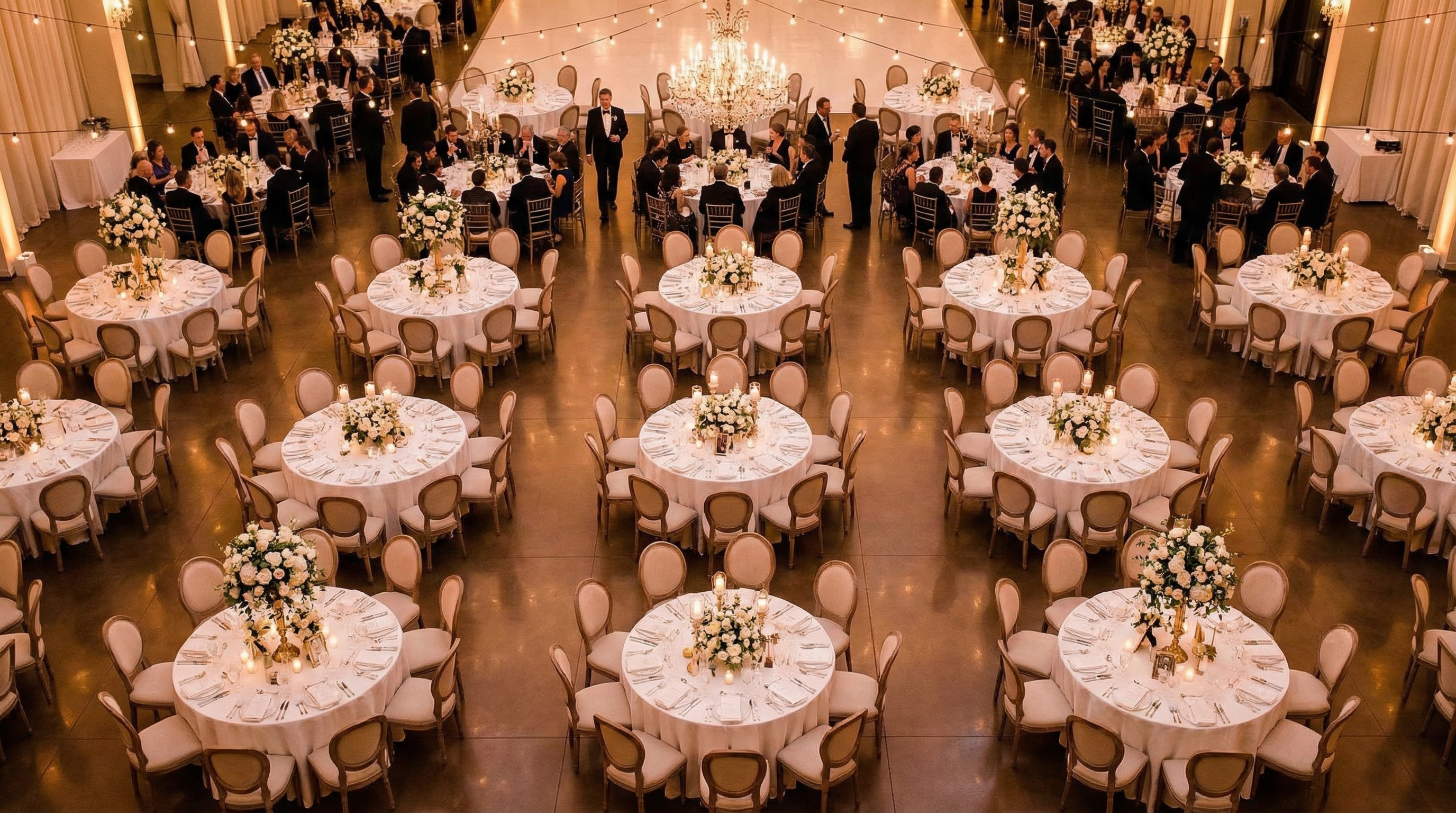
Mastering Boardroom Seating Arrangements for Productive Meetings
Are you planning a crucial meeting? The right boardroom seating arrangement can make or break its success. Think about it: A comfortable and functional setup encourages collaboration, keeps attendees engaged, and ultimately helps you achieve your objectives. But choosing the best layout can feel overwhelming. Do you go traditional? Modern? How do you maximize space and encourage participation? This guide breaks down everything you need to know to create the perfect boardroom seating arrangement for your next meeting. We'll cover different styles, practical tips, common mistakes, and how tools like EventFloorPlanner.com can simplify the process. Let's transform your boardroom into a hub of productivity!
Key Takeaways
- Understanding different boardroom seating styles is crucial for effective meetings.
- Strategic layout planning maximizes space and encourages participation.
- Tools like EventFloorPlanner.com streamline the design process.
Why Boardroom Seating Matters
Don't underestimate the power of a well-planned boardroom seating arrangement. It's not just about fitting chairs around a table. It's about creating an environment that fosters communication, collaboration, and focus. The right layout can minimize distractions, encourage eye contact, and ensure everyone feels comfortable and included. Think of it as setting the stage for a successful performance.
Consider the impact of poor seating: attendees straining to see the presenter, difficulty hearing, or feeling isolated. These seemingly small issues can quickly derail a meeting and lead to disengagement. Investing time in planning your boardroom seating is an investment in the overall success of your meeting.
Ultimately, the ideal arrangement depends on your specific needs and goals. Are you aiming for a brainstorming session? A formal presentation? A team-building exercise? Each scenario calls for a different approach. We'll explore various options to help you find the perfect fit.
Popular Boardroom Seating Styles: A Quick Guide
Several popular boardroom seating styles cater to different meeting types and room sizes. Let's explore some common options:
- Traditional Boardroom Style: A single, large table with chairs arranged around it. Ideal for formal meetings and presentations.
- U-Shape: Tables arranged in a U-shape, open at one end. Great for presentations with audience interaction.
- Hollow Square: Tables form a square with an empty space in the center. Encourages group discussions and collaboration.
- Classroom Style: Rows of tables and chairs facing a presenter. Best for lectures and training sessions.
- Theater Style: Rows of chairs facing a stage or screen. Suitable for large presentations with minimal interaction.
- Round Table: A single round table that promotes equal participation. Perfect for smaller, informal discussions.
Each of these arrangements has its pros and cons. The best choice depends on factors like the number of attendees, the meeting's purpose, and the room's dimensions. Consider these factors carefully before making your decision.
Planning Your Boardroom Seating: A Step-by-Step Approach
Ready to start planning? Follow these steps to create the perfect boardroom seating arrangement:
Before You Start
- Determine the number of attendees.
- Define the meeting's objective.
- Measure the dimensions of the boardroom.
Assess Your Needs
What kind of meeting are you hosting? A formal presentation requires a different setup than a collaborative brainstorming session. Consider the level of interaction you want to encourage and the type of technology you'll be using.
Choose the Right Style
Based on your needs, select the most appropriate seating style. The traditional boardroom style is ideal for formal settings, while the U-shape or hollow square encourages interaction. Don't be afraid to get creative and combine elements of different styles.
Measure the Room
Accurate measurements are crucial. Determine the length, width, and height of the boardroom. Note any obstructions like pillars or doorways. This will help you determine the maximum table and chair size you can accommodate.
Create a Floor Plan
Use a tool like EventFloorPlanner.com to create a visual representation of your boardroom seating arrangement. Our free, drag-and-drop interface makes it easy to experiment with different layouts and ensure everything fits comfortably.
Consider Accessibility
Ensure your seating arrangement is accessible to all attendees. Provide ample space for wheelchairs and other mobility devices. Consider offering seating options with varying levels of back support.
Test and Refine
Before the meeting, set up the seating arrangement and walk through the agenda. Identify any potential issues and make adjustments as needed. Get feedback from colleagues to ensure the layout is functional and comfortable.
Optimizing Space and Comfort
Maximizing space and ensuring attendee comfort are essential for a successful meeting. Here are some tips to help you achieve both:
- Choose the Right Table Size: Select a table that's large enough to accommodate everyone comfortably, but not so large that it dominates the room.
- Provide Comfortable Chairs: Invest in ergonomic chairs that provide adequate back support.
- Ensure Adequate Legroom: Make sure there's enough space for attendees to stretch their legs.
- Consider Lighting: Natural light is ideal, but supplement it with artificial lighting to create a bright and welcoming environment.
- Control Temperature: Maintain a comfortable temperature to prevent attendees from feeling too hot or too cold.
- Minimize Distractions: Keep the room free of clutter and noise. Turn off notifications on electronic devices.
Remember, a comfortable and functional environment contributes to increased focus and productivity. Pay attention to the details to create a positive meeting experience.
Leveraging Technology in Your Boardroom Design
Technology plays a crucial role in modern boardrooms. Consider how your boardroom seating arrangement integrates with the technology you'll be using. Ensure everyone has a clear view of the screen and easy access to power outlets. Think about the placement of microphones and speakers to ensure optimal audio quality.
Here are some tech-related considerations:
- Screen Visibility: Ensure everyone has a clear view of the screen, regardless of their seating position.
- Power Outlets: Provide ample power outlets for laptops, tablets, and other devices.
- Microphones and Speakers: Strategically place microphones and speakers to ensure clear audio for both in-person and remote attendees.
- Video Conferencing: If you'll be using video conferencing, consider the camera's field of view and the background visible to remote participants.
By integrating technology seamlessly into your boardroom seating design, you can create a more efficient and engaging meeting environment.
Boardroom Seating Examples: Inspiration for Your Next Meeting
Need some inspiration? Here are a few boardroom seating examples to get you started:
Example 1: Formal Board Meeting
Example 2: Collaborative Brainstorming Session
Example 3: Training Workshop
These examples demonstrate how different boardroom seating styles can be tailored to specific meeting objectives. Use them as a starting point and adapt them to your unique needs.
Common Boardroom Seating Mistakes (and How to Avoid Them)
Even with careful planning, it's easy to make mistakes when arranging boardroom seating. Here are some common pitfalls to avoid:
- Cramped Seating: Squeezing too many people into a small space.
- Poor Visibility: Obstructing views of the screen or presenter.
- Inadequate Legroom: Making attendees feel uncomfortable and restless.
- Ignoring Accessibility: Failing to provide accommodations for people with disabilities.
- Poor Lighting: Creating a dim and uninviting environment.
By being aware of these common mistakes, you can take steps to avoid them and create a more positive meeting experience.
Expert Tips for Maximizing Boardroom Productivity
Want to take your boardroom to the next level? Here are some expert tips to maximize productivity:
- Incorporate Biophilic Design: Add plants or other natural elements to create a more calming and inspiring environment.
- Use Ergonomic Furniture: Invest in chairs and tables that promote good posture and reduce strain.
- Provide Refreshments: Offer coffee, tea, water, and snacks to keep attendees energized and focused.
- Take Regular Breaks: Encourage attendees to stand up and stretch every hour to prevent fatigue.
- Encourage Active Participation: Use interactive tools and activities to keep attendees engaged.
These seemingly small details can make a big difference in the overall effectiveness of your meetings.
Streamline Your Design with EventFloorPlanner.com
Creating the perfect boardroom seating arrangement doesn't have to be a headache. EventFloorPlanner.com offers a simple and intuitive way to design your layout. Our free, drag-and-drop interface allows you to easily experiment with different seating styles, table sizes, and furniture arrangements. No signup is required!
With EventFloorPlanner.com, you can:
- Visualize your boardroom seating arrangement in 2D or 3D.
- Easily add and move tables, chairs, and other furniture.
- Experiment with different layouts to find the perfect fit.
- Share your floor plan with colleagues and get feedback.
Stop guessing and start planning with confidence. Create Your Floor Plan today!
Frequently Asked Questions
Written by
Event Floor Planner Team
Helping event planners create stunning floor plans and seating charts for weddings, corporate events, and special celebrations.
Stay in the Loop
Get expert event planning tips, layout ideas, and exclusive guides delivered weekly.
No spam. Unsubscribe anytime.
Related Articles
The Complete School Open House Layout Planning Guide (2026)
The Complete School Open House Layout Planning Guide (2026) A school open house is a crucial event. It's your chance to showcase your school's environment, culture, and educational opportunities t...
How to Nail Your Fantasy Draft Party Setup Every Time
How to Nail Your Fantasy Draft Party Setup Every Time Fantasy football draft season is more than just picking players; it's a sacred ritual. It's a time for smack talk, friendly competition, and t...
13 Benefit Concert Floor Plan Tips Your Guests Will Love
13 Benefit Concert Floor Plan Tips Your Guests Will Love Planning a benefit concert is no easy feat. You're juggling logistics, entertainment, and, most importantly, fundraising for a cause close...